DJ Software
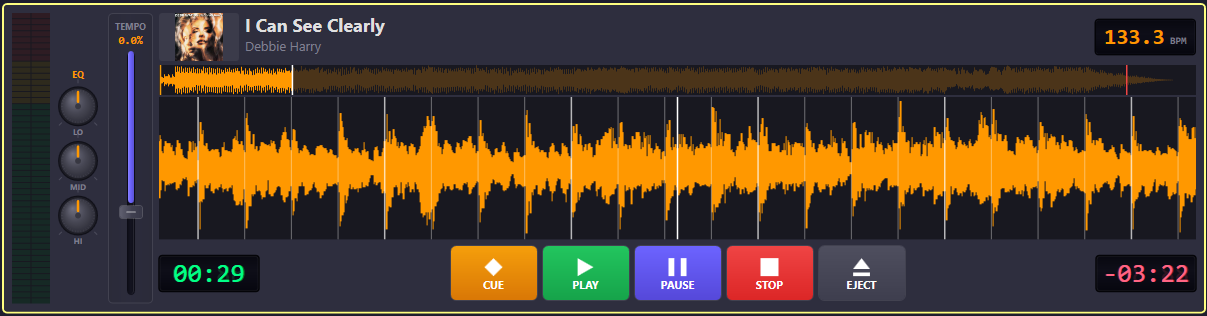
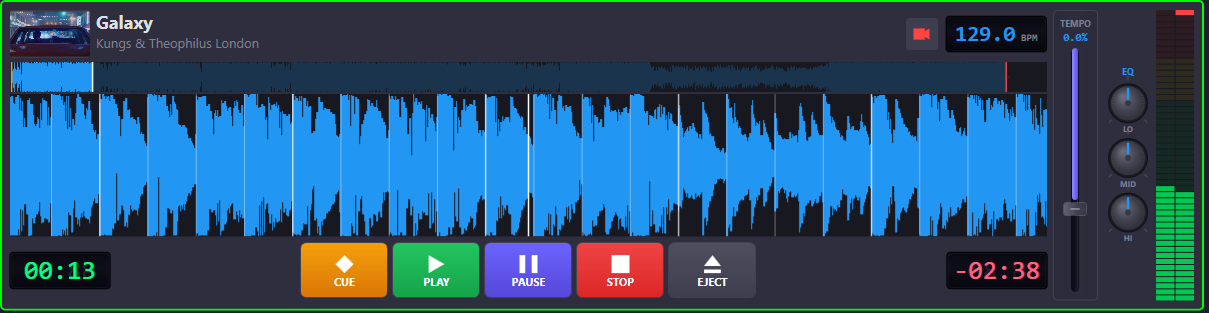
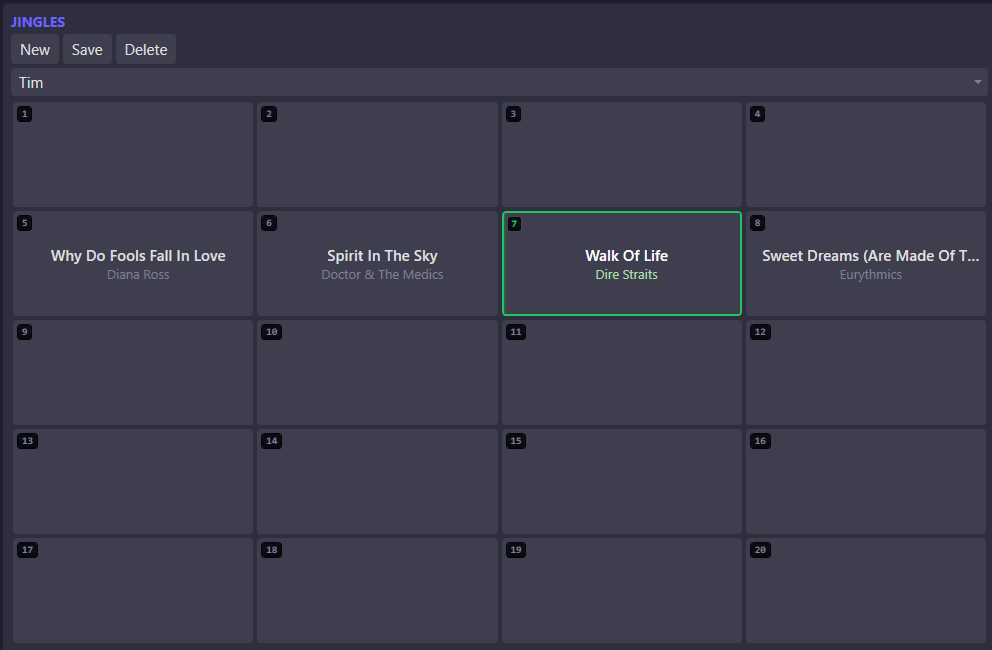
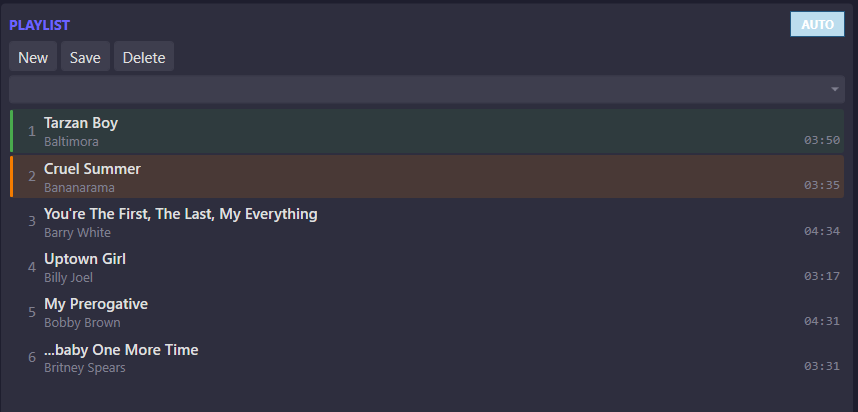
The DJ Software provides 2 to 4 deck audio and video playback with professional-grade features: BPM detection, beatgrid alignment, scrollable waveform display, and precision scrubbing. Each deck has independent EQ and tempo controls. A jingle pad offers instant-fire samples, and playlists can be built manually or auto-generated. Audio is sourced locally or synced from the central Master Library Manager via API.
Interface
Capabilities
2 to 4 deck configuration
Configure the number of active decks to match your setup — from a simple two-deck layout to a full four-deck configuration.
Audio and video support
Play audio tracks and video files on the same decks. Video output routes to a separate display for venue screens.
BPM & beatgrid detection
Automatic BPM analysis and beatgrid alignment on load. Visual beatgrid overlay on the waveform for precise mixing.
Visual waveform & audio scrubbing
Full-track scrollable waveform with playhead. Click or drag to scrub to any position with sample-accurate precision.
Central library API sync
Connect to the Master Library Manager to browse and sync tracks directly. No manual file transfers needed.
20-slot jingle pad
Assign up to 20 jingles or samples to instant-trigger pads. Fire them over any playing deck.
Technical
- Desktop application (Windows)
- ASIO/WASAPI audio output
- GPU-accelerated waveform rendering
- REST API integration with Master Library Manager
- Per-deck EQ, tempo, and transport controls